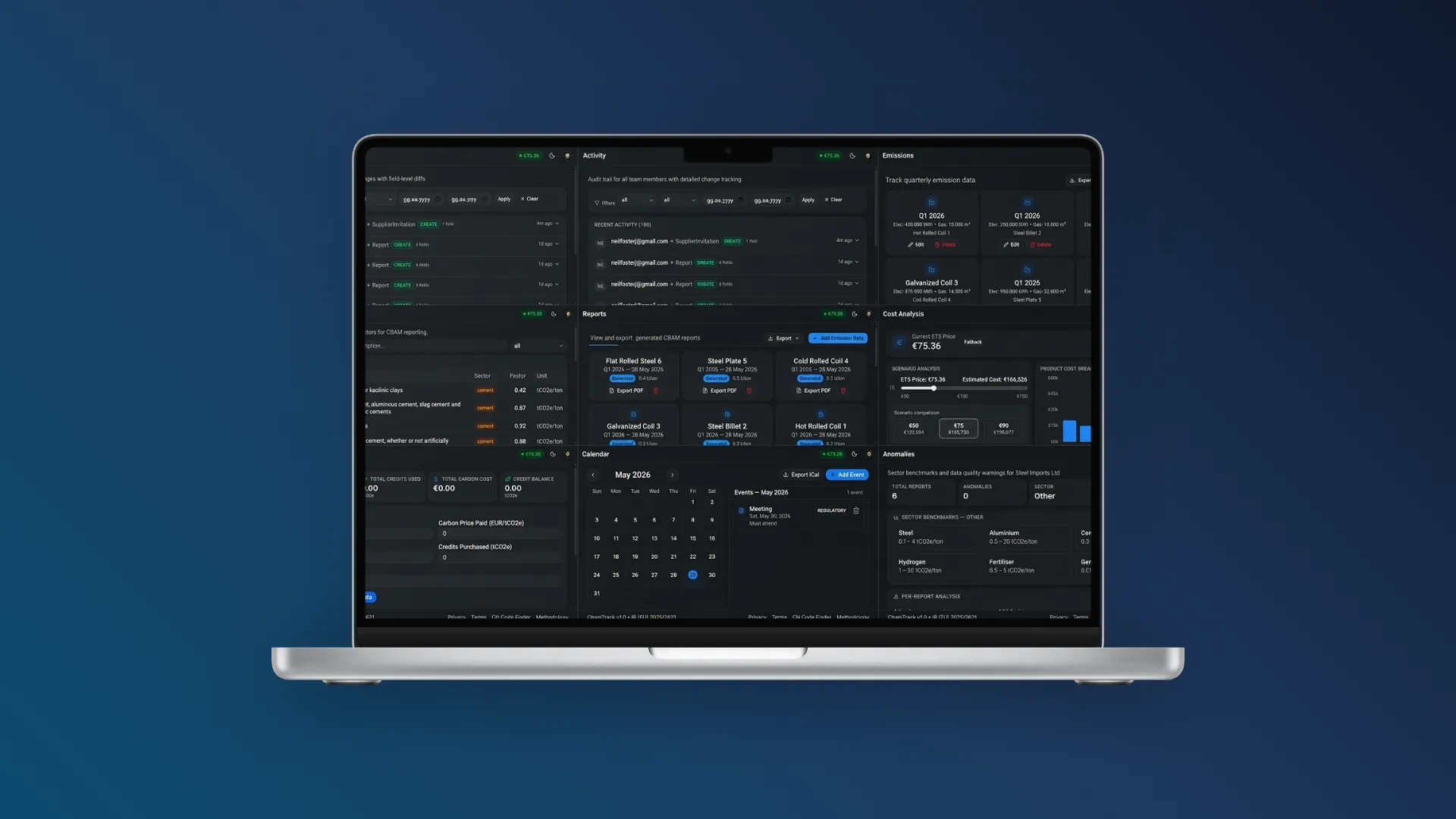
CBAM Report Generator: Quarterly Submissions
Key Takeaways
- This guide covers features reporting requirements based on IR (EU) 2025/2621 and EU Regulation 2023/956
- All emission factors and CN codes referenced are verified against the latest EU implementing regulations
- Practical steps and common mistakes are drawn from hands-on implementation experience with the CbamTrack platform
From the team behind CbamTrack
We built this guide based on hands-on experience implementing CBAM compliance for SME importers. The calculations and workflows described here power our own platform — this is not theory, it's what we ship.
A CBAM report generator automates the process of creating compliant CBAM declarations. This guide explains how these tools work, what to look for, and how they compare to manual reporting methods.
"Importers must submit CBAM declarations using the CBAM Transitional Registry. Reports must include verified emission data for all imported goods." — European Commission, CBAM Q&A (May 2026)
What Is a CBAM Report Generator?
A CBAM report generator is a software tool that replaces the manual spreadsheet workflow with automated calculation and formatting. Instead of spending hours looking up CN codes, applying emission factors, and formatting tables, the generator does all of this in seconds.
| Capability | Description |
|---|---|
| Data import | Product and emission data intake |
| Factor application | Correct emission factors applied automatically |
| Calculation | Embedded emissions using CBAM methodology |
| Report generation | PDF, XML, XBRL, and JSON formats |
| Validation | Error checking before export |
A generator is not a magic black box — it needs accurate input data. But for importers with multiple products, it eliminates the most error-prone and time-consuming parts of the reporting process.
Manual vs Automated CBAM Reporting
To understand the value of automation, consider what manual reporting actually involves. We have worked with importers who spent entire weekends reconciling CN codes against spreadsheets before each reporting deadline.
Manual Method (Spreadsheets)
| Task | Time Required | Error Risk |
|---|---|---|
| CN code lookup | 2-3 hours | High |
| Data entry | 3-4 hours | High |
| Emission calculation | 2-3 hours | Medium |
| Report formatting | 1-2 hours | Medium |
| Validation | 1-2 hours | Manual |
| Total per quarter | 10-14 hours | High |
Automated Method (CbamTrack)
| Task | Time Required | Error Risk |
|---|---|---|
| CN code lookup | Automatic | None |
| Data entry | 15-30 min | Low |
| Emission calculation | Automatic | None |
| Report formatting | Automatic | None |
| Validation | Automatic | None |
| Total per quarter | 15-30 min | Minimal |
Key Features to Look For
Automatic CN Code Mapping
The generator should automatically map your products to the correct CN codes using a built-in, annually updated database.
Live Emission Factor Database
Look for a tool that includes all CBAM default emission factors from IR (EU) 2025/2621, organised by product category and country of origin.
Multi-Format Export
Your generator should support all required export formats:
- PDF (for records and audit)
- XML (for Transitional Registry upload)
- XBRL (for advanced reporting)
- JSON (for system integration)
Anomaly Detection
Built-in validation that flags unusual values before you submit can prevent costly errors.
Audit Trail
Every data change should be logged with timestamps and user information for complete compliance documentation.
How CbamTrack's Generator Works
- Connect your data — Import products and emissions from Excel or enter them manually
- Auto-calculate — The engine applies correct emission factors and computes embedded emissions
- Review — Check totals, trends, and anomaly flags on the dashboard
- Generate — One-click report generation in your chosen format
- Export — Download PDF for records, XML for submission
Benefits of Using a Generator
Time Savings
Reduce quarterly reporting time from days to minutes. Focus on analysis instead of data entry.
Accuracy
Eliminate manual calculation errors. Automatic validation catches issues before submission.
Consistency
Standardised reports across all quarters make trend analysis and audit preparation easier.
Compliance Confidence
Built-in regulatory updates ensure your reports always use the latest rules and factors.
FAQ
Do CBAM report generators work for all product categories? Yes. A good generator covers all six CBAM product categories with appropriate factors for each.
Can I trust automated calculations? Automated calculations are more reliable than manual spreadsheets when the underlying data is correct. Always review totals before submission.
Are generated reports accepted by the CBAM registry? Yes. XML files generated by CbamTrack are formatted for direct upload to the CBAM Transitional Registry.
Do I need technical skills to use a generator? No. Modern CBAM report generators are designed for compliance teams, not software engineers.
Sources
- EU Regulation 2023/956 — CBAM main regulation
- IR (EU) 2025/2621 — Default emission values and methodology
- IR (EU) 2025/2548 — Submission format requirements
- European Commission CBAM page
Try the CbamTrack CBAM Report Generator
Generate your first compliant CBAM report in minutes, not hours. Subscribe today and experience automated CBAM reporting firsthand. See how CbamTrack compares to other tools on our alternatives page.
This article was researched and written with AI assistance. Figures and regulatory references are cross-checked against official EU sources (EUR-Lex, European Commission CBAM page) and updated when the rules change.
R. Emrah Gökkaya
I built CbamTrack because I saw SME exporters struggling with spreadsheets and confusing regulations. Every article here reflects what I've learned implementing IR 2025/2621-compliant calculations, integrating live EU ETS pricing, and building the emission factor database that powers our platform.
View full author bio →Ready to simplify your CBAM compliance?
Subscribe today and generate your first CBAM report in minutes.